Browse private. Browse fast.
A free Chromium browser with an ad blocker, Tor, fingerprint protection and encrypted DNS built in. No account, no sync, no telemetry.
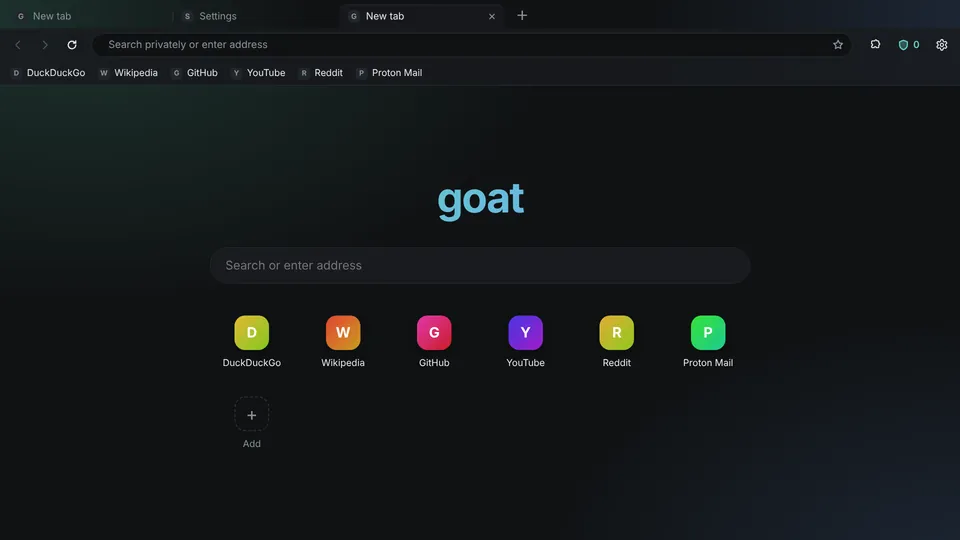
Built in
Ad and tracker blocker
Ads, trackers and cookie banners gone. Three levels and a per-site switch.
Tor, one click
Hide your IP without Tor Browser. Nothing loads outside Tor while it connects. Tor windows too.
Private windows
Forget history, cookies and cache when closed. Extensions stay out.
Fingerprint protection
Sites can't identify you from your GPU, hardware or browser details.
Encrypted DNS
Quad9, Mullvad, Cloudflare, NextDNS or your own. Your ISP can't see lookups.
Translation
Translate pages in one click, and keep sites in your language over Tor.
Chrome extensions
From the Chrome Web Store, including password managers like Bitwarden and iCloud Passwords.
Tab folders and themes
Drop a tab on a tab to make a folder. Nine themes plus your own.
Light on memory
Idle tabs sleep and give memory back. Restored tabs load only when opened.
FAQ
Windows says "Windows protected your PC"
New apps without a paid code-signing certificate get this warning. Click More info, then Run anyway.
How do I run the Linux version?
Download the .AppImage, right-click → Properties → allow executing (or chmod +x), then double-click it.
Does Goat make me anonymous?
It stops ads, trackers and fingerprinting. Sites still see your IP unless you turn on Tor or use a VPN.
Where is my data?
Only on your computer. No account, no sync. Updating keeps your tabs, cookies and settings.